
July 7, 2026
Which file formats actually support Bates sequential numbering in 2026?
A high-volume discovery set in 2026 is rarely a clean stack of searchable PDFs. It's usually a digital junkyard of high-resolution JPEGs, smartphone screenshots, corrupted legacy scans, and mixed-orie
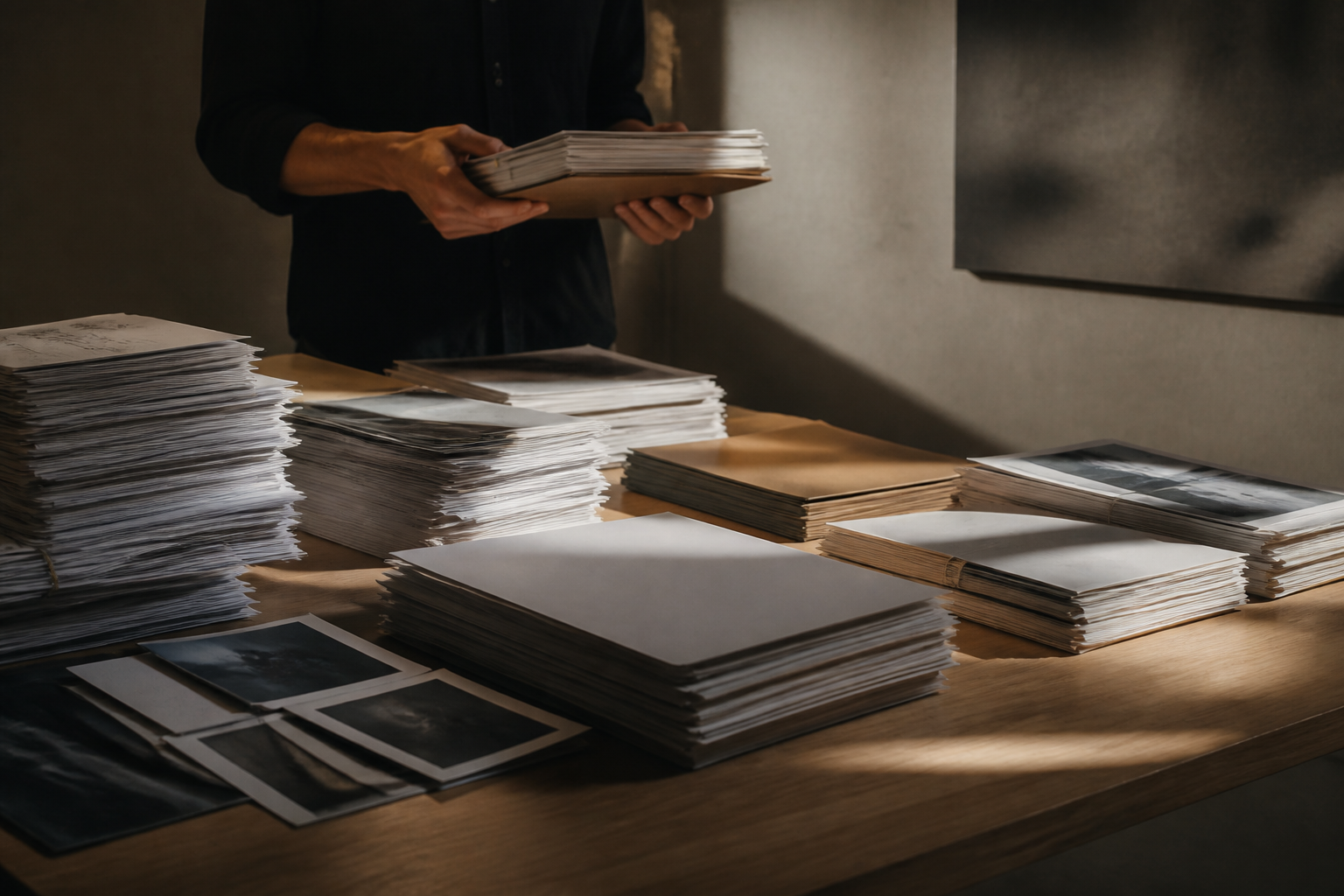
A high-volume discovery set in 2026 is rarely a clean stack of searchable PDFs. It's usually a digital junkyard of high-resolution JPEGs, smartphone screenshots, corrupted legacy scans, and mixed-orientation documents. To maintain a defensible chain of custody, your numbering software must treat these disparate inputs as a single, immutable sequence while keeping the data entirely on your local machine to avoid security leaks.
The real challenge isn't the numbering itself—it's the normalization. If your software can't handle a raw smartphone photo as easily as a standard PDF, your production timeline is at the mercy of manual conversion errors.
The reality of multi-format discovery intake
Most legal teams receive files in whatever format the client finds most convenient. This often includes HEIC files from iPhones, PNG screenshots of text messages, and flat TIFF scans. If you're using a tool that only accepts PDFs, you're forced to spend billable hours in a 'pre-processing' phase that adds no value to the case and creates opportunities for document loss.
Modern litigation support requires a system that ingests these various formats and outputs a court-approved, Bates-stamped PDF. This process should happen in your browser's local memory. By processing locally, you bypass the bandwidth bottleneck of uploading gigabytes of image data just to get a stamp on the bottom right corner.
Comparing format handling for document production
| File Type | Stamping Complexity | Metadata Risk | 2026 Production Standard |
|---|---|---|---|
| Searchable PDF | Low | Low | Direct overlay required |
| Raw JPEG/PNG | Medium | High | Must convert to PDF/A with stamp |
| Multi-page TIFF | High | Medium | Flattening often required for sequence |
| HEIC/Live Photo | High | High | Metadata scrubbing + format normalization |
| Scanned Paper | Medium | Low | Deskewing + margin adjustment needed |
Why local processing is the only safe way to handle images
When you upload a set of discovery photos to a cloud-based stamping service, you're essentially handing over unencrypted client evidence to a third-party server. In 2026, that's an unnecessary liability. Local execution means your browser does the heavy lifting of converting a JPEG to a Bates-stamped PDF without the file ever touching an external database.
This isn't just about security; it's about speed. Uploading 2GB of high-res discovery photos can take thirty minutes on a standard connection. Processing those same files locally via Omnibates happens at the speed of your hardware.
Precise coordinate control across mixed page sizes
Discovery sets often include a mix of letter-sized memos and oversized landscape spreadsheets or blueprints. A common failure in automated numbering is the "disappearing stamp"—where the software places the Bates number at a fixed coordinate that falls off the edge of a non-standard page.
We built our tool to handle these anomalies. The software detects the page boundaries of every individual file in the batch, ensuring the Bates label is placed with pixel-perfect accuracy regardless of whether the source is a vertical cell phone snap or a wide-format scan.
Audit-ready run logs for multi-format batches
A production is only as good as its documentation. When you're mixing five different file types into one 10,000-page sequence, your run log must track the original filename, the new Bates range, and the processing timestamp. This creates an audit trail that proves no documents were skipped or duplicated during the format transition.
"The most frequent cause of a motion to compel in 2026 isn't the content of the documents—it's a break in the Bates sequence caused by a file format the software couldn't read."
Stopping the billable hour leak means moving away from manual conversions. When the software handles the normalization at the point of stamping, you get more than just a number on a page; you get a compliant, court-ready production in a fraction of the time.
FAQ
Does Omnibates convert my photos into PDFs during the stamping process?
Yes. The software takes raw image formats like JPEG, PNG, and HEIC and incorporates them into a standardized, Bates-sequential PDF production. This happens locally in your browser to maintain total data confidentiality.
Can it handle a 1,000-page batch with mixed portrait and landscape pages?
Absolutely. The numbering engine recalculates the stamp coordinates for every page. This prevents the Bates label from being cut off or placed in the wrong margin when the document orientation shifts mid-sequence.
What happens if a file in the batch is corrupted?
Omnibates identifies problematic files during the local processing phase. Our audit-ready run logs will flag inconsistencies, allowing you to address the specific file without breaking the entire production sequence or restarting the batch.
Is there a file size limit for local processing?
Because the processing happens on your device rather than a remote server, the limit is generally tied to your computer's RAM. Most modern machines can handle several gigabytes of discovery data directly within the browser interface.
Sources / Further reading: Check the Omnibates Features page for technical specifications on supported file types and local processing architecture.