
June 6, 2026
Why automated Bates sequential numbering is non-negotiable for 2026 discovery
Manual Bates stamping is mathematically certain to fail once a production exceeds a few dozen files. Relying on human entry or basic PDF editors for thousand-page discovery sets results in numbering g
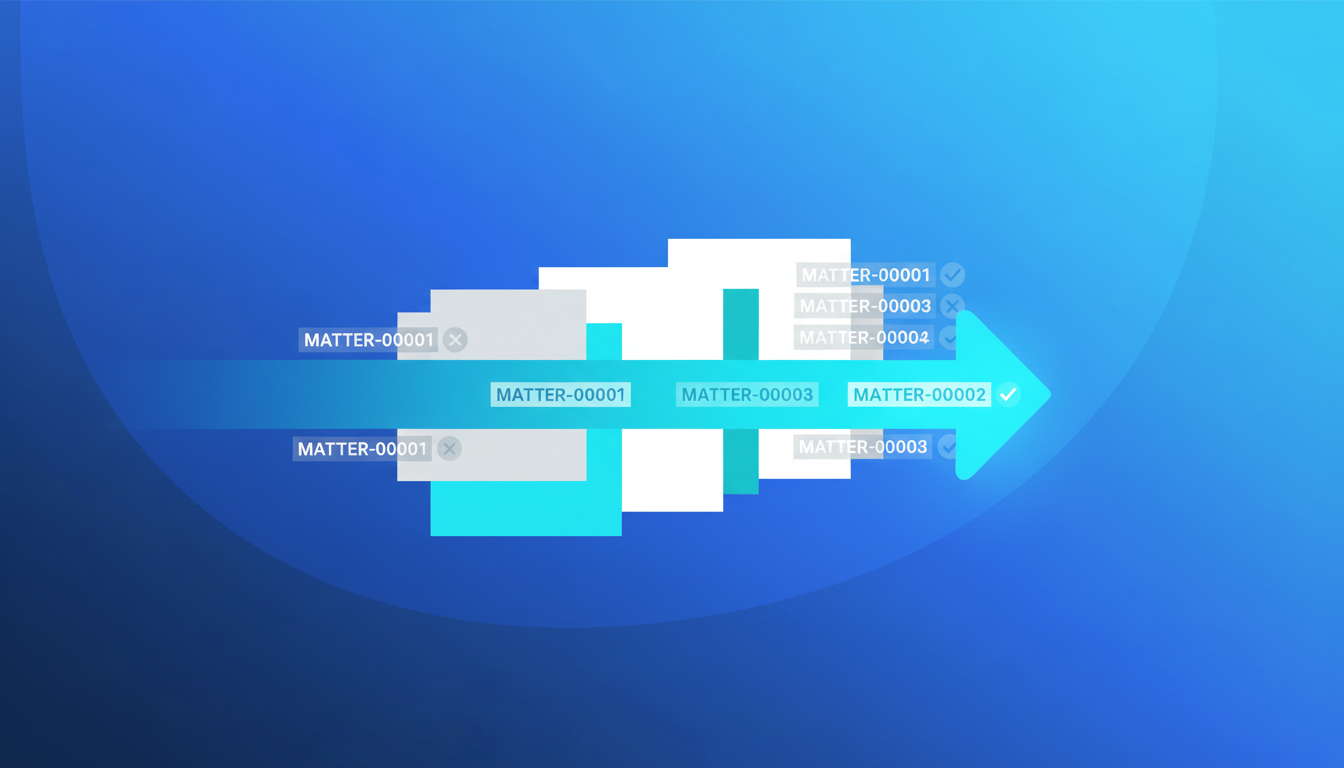
Manual Bates stamping is mathematically certain to fail once a production exceeds a few dozen files. Relying on human entry or basic PDF editors for thousand-page discovery sets results in numbering gaps, duplicate prefixes, and mislabeled exhibits that get rejected by the court. In 2026, the standard for legal document processing is automated, sequential numbering that accounts for varied file types—PDFs, scans, and photos—without breaking the chain of custody or the audit trail.
The high cost of numbering gaps and prefix errors
A single missing page or an out-of-sequence stamp can restart an entire week's worth of production work. If a legal team is working on a tight discovery deadline and a Bates sequence skips from OMNI-001 to OMNI-003, the entire run is compromised. This isn't just an administrative headache; it's a billable hour drain.
We see firms trying to patch together discovery using legacy software that requires uploading sensitive data to an external server. This creates two problems: a security risk and a processing bottleneck. Local processing—where the files never leave your machine—is the only way to maintain the speed required for same-day productions while ensuring the Bates sequence remains 100% accurate across disparate file formats.
What dictates a court-approved production format?
Courts don't just want numbers on pages; they want standardized, searchable, and consistent layouts. Consistency means every page has the same font, size, and positioning for the Bates stamp, regardless of whether the source material was an iPhone photo of a contract or a high-resolution scan.
| Feature | Professional Automated Software | Standard PDF Editor |
|---|---|---|
| Sequential Integrity | Guaranteed across multiple file batches | Manual and prone to human error |
| Processing Speed | Thousands of pages per minute | One document at a time |
| Custom Prefixes | Matter-specific and date-stamped | Constant manual reconfiguration |
| File Type Support | PDFs, JPGs, PNGs combined | Usually limited to PDF conversion first |
| Audit Logs | Automatic generation of run logs | No formal record of the stamping process |
Maintaining firm-standard compliance with custom prefixes
Every firm has its own internal logic for matter numbers and date stamps. A generic stamp doesn't work for a complex multi-district litigation. You need the ability to apply custom prefixes—like 'DOE-v-SMITH_v01'—that increment perfectly across 50,000 pages.
Automation handles the heavy lifting of calculating the padding for leading zeros. If you're starting a production and you know it will eventually reach 100,000 pages, you need 6-digit padding (000001) from day one. Doing this manually is a recipe for disaster. Using OmniBates, these parameters are set once at the start of the project, ensuring every subsequent batch of discovery mirrors the first perfectly.
Why audit-ready run logs are your insurance policy
If a production is challenged by opposing counsel, you need to prove exactly what happened during the stamping process. An audit-ready run log provides a timestamped record of every file processed, the starting Bates number, the ending Bates number, and the original filename. This log acts as your receipt of accuracy.
Without an automated log, you're left scrolling through folders trying to verify that nothing was missed. It's the difference between guessing you're compliant and having the data to prove it.
"The integrity of a legal production is only as strong as its last index. If the Bates numbers don't match the run log, the entire set is potentially inadmissible."
The requirement for same-day production capability
Discovery requests don't always come with a generous lead time. Sometimes, a supplemental production is needed by the end of the business day. In these scenarios, the manual method of 'convert to PDF, then stamp, then check' is too slow. Automated Bates numbering allows for production-scale processing where you can drop a folder of mixed files and have a sequenced, stamped, and logged production ready in minutes.
We've designed our tools at OmniBates to prioritize this speed without sacrificing the privacy that legal professionals demand. Because the processing happens locally in your browser, there's no lag time spent waiting for a server to upload or download giant files. You're working at the speed of your own hardware.
FAQ
Does OmniBates work with scanned images that aren't PDFs?
Yes. OmniBates accepts various discovery formats including PDFs, scans, and photos. It processes them into a unified, Bates-stamped format suitable for court submission.
How does local processing impact security?
Files are processed directly in your browser's local environment. This means your sensitive discovery documents are never uploaded to our servers, significantly reducing the risk of data leaks or unauthorized access during the stamping process.
Can I customize the placement of the Bates stamp?
Absolutely. Firm-standard compliance often requires specific margins or positions (bottom right vs. bottom center). Our software allows for precise control over the font, size, and location of the stamp to match your firm's requirements.
What happens if I have a break in my document folder structure?
OmniBates is designed for Bates-sequential numbering across multiple folders and files. The software keeps track of the last number used and picks up exactly where the sequence left off, ensuring no gaps occur between different batches of the same production.
Sources / Further reading: For more on court-standard document formatting, check your local jurisdiction's ECF filing requirements for the 2026 calendar year.