
June 10, 2026
Why local browser processing is the new standard for discovery security
Professional document production in 2026 relies on a simple, non-negotiable principle: sensitive legal data shouldn't travel to a third-party server just to get a label attached to it. Local browser p
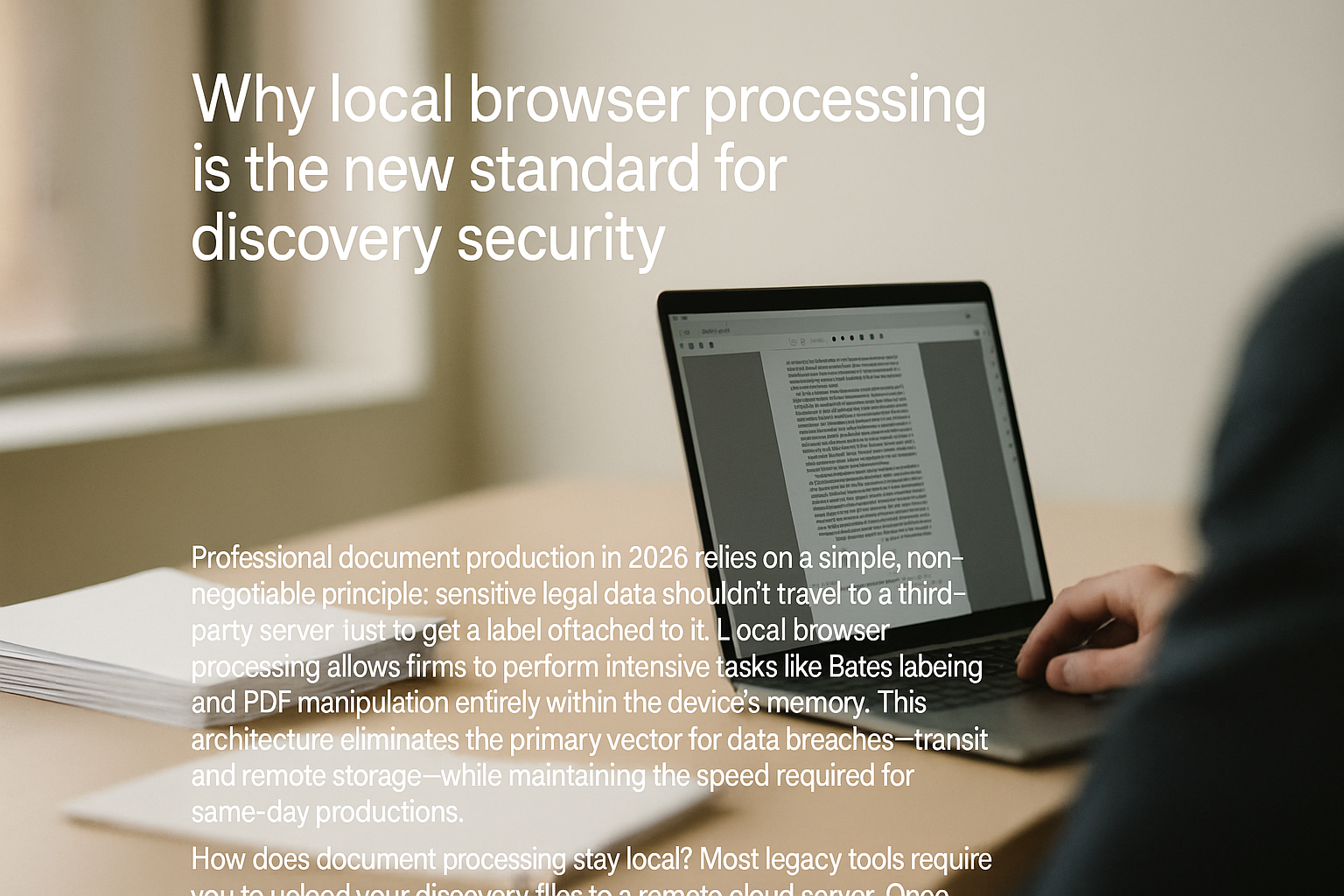
Professional document production in 2026 relies on a simple, non-negotiable principle: sensitive legal data shouldn't travel to a third-party server just to get a label attached to it. Local browser processing allows firms to perform intensive tasks like Bates labeling and PDF manipulation entirely within the device’s memory. This architecture eliminates the primary vector for data breaches—transit and remote storage—while maintaining the speed required for same-day productions.
How does document processing stay local?
Most legacy tools require you to upload your discovery files to a remote cloud server. Once those files leave your firewall, you lose control over who sees them, where they're backed up, and how long they persist on a foreign drive.
Modern web technology has changed this. Your browser is no longer just a window; it’s a high-performance engine capable of handling production-scale processing without an internet connection after the initial tool loads. When we talk about local processing, we mean the document's binary data stays in your RAM (Random Access Memory). The numbering logic is applied right there on your desktop. This isn't just a convenience; it's a security firewall that meets the highest standards of client confidentiality.
The Security Gap: Cloud vs. Local Processing
Attorneys often overlook the fine print in SaaS agreements. Many cloud-based document processors store temporary copies of your files to "improve the algorithm" or simply because their architecture isn't built for ephemeral processing. In 2026, that's an unacceptable risk for high-stakes litigation.
| Feature | Traditional Cloud Stamping | OmniBates Local Processing |
|---|---|---|
| Data Residency | Remote Server (AWS/Azure) | Local Device RAM |
| Encryption Needs | Massive (In-transit & At-rest) | Minimal (Data never leaves) |
| Latency | High (Upload/Download time) | Zero (Instant file access) |
| Compliance | Subject to Provider's TOS | Total Firm Control |
| Breach Risk | Centralized Target | Non-existent (No data stored) |
Maintaining Audit-Ready Run Logs Without Personal Data
One of the biggest challenges in document production is proving the chain of custody and the accuracy of the sequence. If you aren't using a tool that generates an audit-ready run log, you're risking a motion to compel or a challenge to the production's integrity.
A local processing workflow should still produce a detailed manifest of every action taken. This log records the input filename, the assigned Bates range, and the timestamp. Because the processing is local, the log can be generated and saved directly to your machine. You get the benefit of a court-approved audit trail without ever exposing the contents of the files to an external database.
Why speed increases when you don't upload
Law firms often waste hours waiting for large discovery volumes (PDFs, scans, mixed media) to upload to a web portal. A 2GB production can take 30 minutes to upload and another 20 to download after stamping.
By keeping the work local, that hour of transit time is deleted from the schedule. You open the file, the software processes the Bates-sequential numbering at the speed of your local processor, and you save the result. It’s the difference between shipping a box across the country to get a sticker put on it versus just reaching into your desk for the label maker. For same-day productions, those saved hours are the difference between meeting a court deadline and filing for an extension.
"The most secure data is the data you never share. In e-discovery, moving files is the greatest point of failure."
Consistency across court-approved formats
Not every court wants the same thing. Some jurisdictions require specific font sizes, placements, or prefix structures. Using software built for the demands of litigation support means you can toggle these settings locally. This ensures firm-standard compliance without needing to re-upload files or navigate complex server-side menus. Whether it's a small PDF or a massive batch of discovery, the output must be a standard-compliant, flattened document that looks exactly the same on the judge's screen as it does on yours.
FAQ
Does my internet speed affect local processing time?
No. After the application loads in your browser, the actual numbering and processing happen using your computer's CPU and RAM. Your internet speed only affects how fast the interface loads, not how fast the documents are stamped.
Can local processing handle thousands of pages at once?
Yes. Modern browsers can access significant memory resources. Provided your computer has sufficient RAM (standard for most modern office laptops), you can handle production-scale batches of thousands of pages locally without lag.
What happens if the browser crashes during a run?
Because the processing is local and uses Bates-sequential numbering, you can refer to your run log to see exactly where the sequence stopped. You can then restart the process from the last successful page without needing to re-upload anything or worry about partial data being stuck on a remote server.
Is this compliant with HIPAA and GDPR?
Local processing is often the preferred method for HIPAA and GDPR compliance because the Protected Health Information (PHI) or Personally Identifiable Information (PII) never touches a third-party server. This significantly simplifies your data protection impact assessments (DPIAs).
Sources / Further reading: Check the American Bar Association’s latest guidelines on technical competence and data security in 2026 for more on local vs. cloud software duties.