
June 4, 2026
Why manual Bates stamping fails the evidentiary standard in 2026
Digital document production in 2026 demands more than just slapping a number on a PDF corner. If your numbering sequence skips because of a corrupted file or a hidden attachment, you aren't just looki
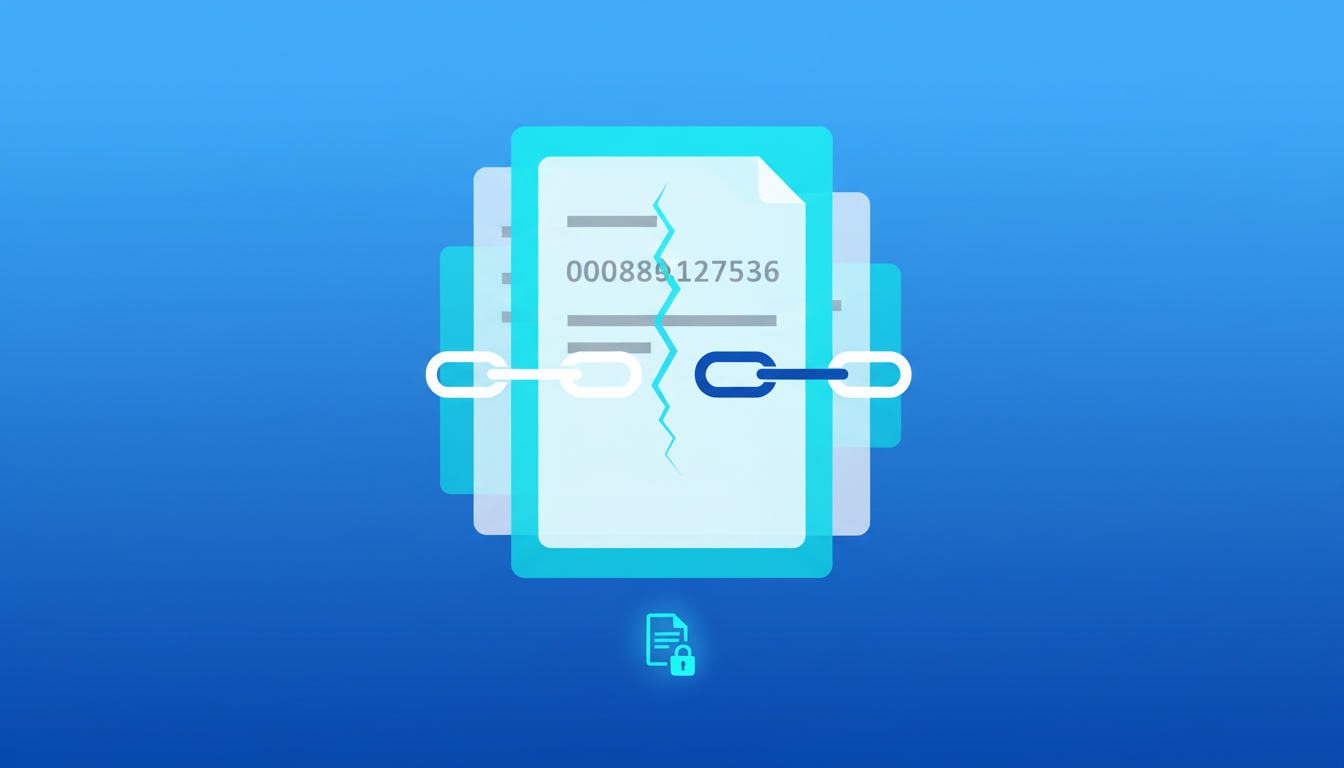
Digital document production in 2026 demands more than just slapping a number on a PDF corner. If your numbering sequence skips because of a corrupted file or a hidden attachment, you aren't just looking at an administrative headache—you're looking at a potential motion to compel or sanctions for a botched production. Reliable discovery requires an immutable link between the original file and its production alias.
The hidden risk of 'manual' digital stamping
Many firms still rely on basic PDF editors to apply Bates stamps. This is a mistake. Standard editors often treat the stamp as a simple text layer that isn't properly indexed or flattened. If the software crashes mid-queue or fails to read a specific image format, the sequence breaks. You end up with gaps that look like withheld evidence to opposing counsel.
We see this most often with mixed-media discovery. A folder containing high-res photos, scanned-to-email PDFs, and modern digital documents creates a variable processing load. Manual tools struggle to maintain a consistent prefix and padding (like ABC_000001) across these diverse file types, leading to 'ghost' numbers or overlapping text that obscures relevant data.
Why prefix consistency and matter numbers are non-negotiable
Consistency isn't just about aesthetics; it's about the integrity of the audit trail. In large-scale litigation, specialized prefixes serve as the primary sort key. When different paralegals or associates use slightly different settings—using a hyphen instead of an underscore, or three leading zeros instead of six—the database ingestion at the receiving firm will fail.
| Feature | Professional Automated Stamping | Standard PDF Editor |
|---|---|---|
| Sequential Integrity | Locked; fails if a file is skipped | Open; easy to accidentally restart |
| Audit Run Logs | Detailed per-file manifest | None created |
| Processing Speed | Thousands of pages per minute | Tens of pages per minute |
| Compliance | Fixed court-ordered formatting | Variable user-defined settings |
| Security | Local-first processing | Often requires cloud upload |
Maintaining an audit-ready production log
A production is only as defensible as its log. If a judge asks for proof of when a specific document was numbered and what its original filename was, 'we did it in a PDF viewer' won't suffice. You need a run log that captures the exact timestamp, the source path, and the resulting Bates range. This documentation proves that the production was handled according to firm standards and prevents accusations of tampering.
Using a local processing environment like OmniBates allows you to generate these logs without the data ever leaving your machine. It ensures that the metadata—the DNA of the document—remains intact throughout the stamping process.
How to verify your Bates sequence before delivery
Before you hit send on a production, we recommend a three-point verification check:
- Padding Check: Ensure all numbers have the same digit count (e.g., 000001 to 012450) to prevent sorting errors in document review platforms.
- Format Interoperability: Test if the stamp is legible on both dark-mode scans and bright white digital docs. If the stamp is obscured, you may need a custom background box behind the text.
- The 'Last Page' Test: Match your total file count against the final Bates number. If you have 500 files and your final number ends in 498, you have a sequence gap that needs immediate correction.
Frequently Asked Questions
What is the standard Bates number format for federal court?
While requirements vary by district, the standard is usually an alphanumeric prefix followed by a 6-to-8-digit sequential number. Many firms also include a matter number or a date stamp in the footer for internal tracking. Consistency across all volumes of a production is the highest priority.
Can I Bates stamp photos and scans in the same batch?
Yes, provided the software can normalize different resolutions. High-resolution photos often need the stamp scaled so it remains legible without requiring the user to zoom in 500% just to see the page number. Professional tools handle this scaling automatically.
What happens if I find a privileged document after stamping?
If you remove a document from a sequence, you must replace it with a 'Placeholder' or 'Slip Sheet' bearing the same Bates number and a 'Privileged/Withheld' notation. Removing the page entirely without a placeholder breaks the sequence and triggers an audit red flag.
Why is local processing better for Bates numbering?
Security is the primary reason. Uploading sensitive discovery to a third-party server creates an unnecessary data footprint. Processing locally on your own hardware ensures that the documents never leave your control, which is the only way to guarantee 100% confidentiality.
Sources / Further reading: Refer to the American Bar Association’s guidelines on Maintaining the Integrity of Electronically Stored Information (ESI) for more on defensible production standards.